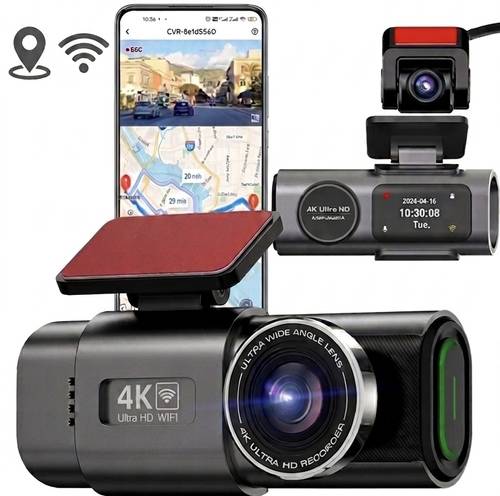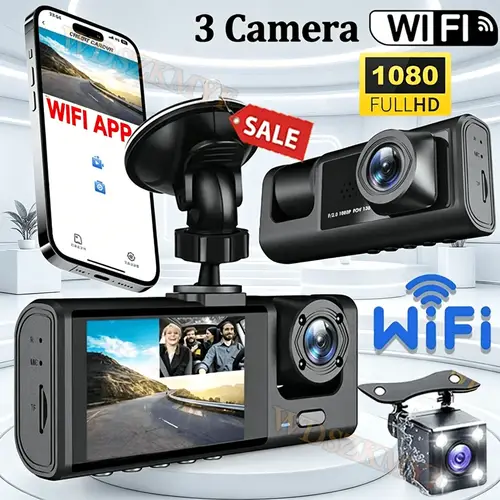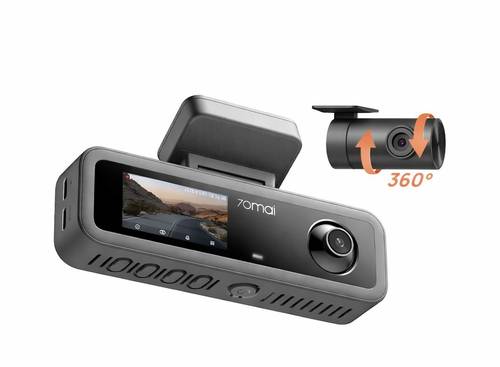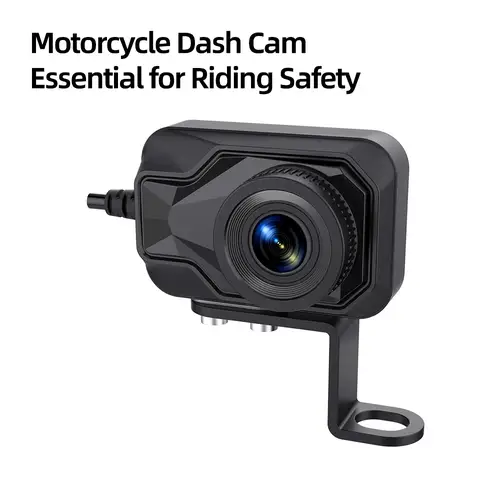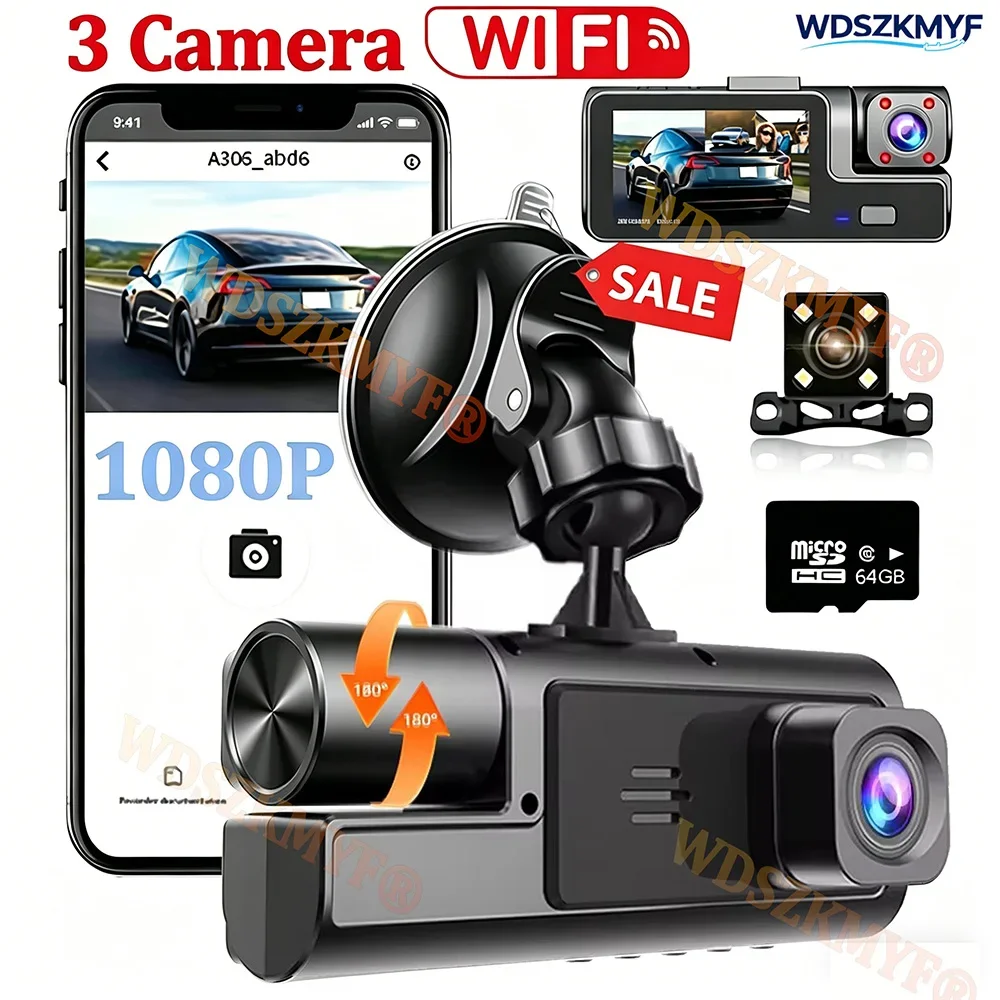
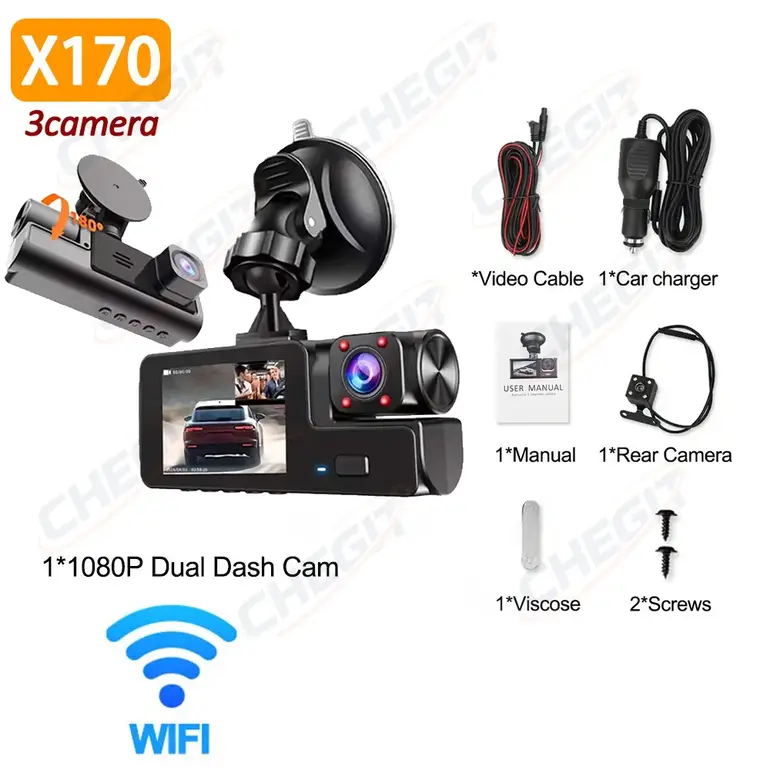
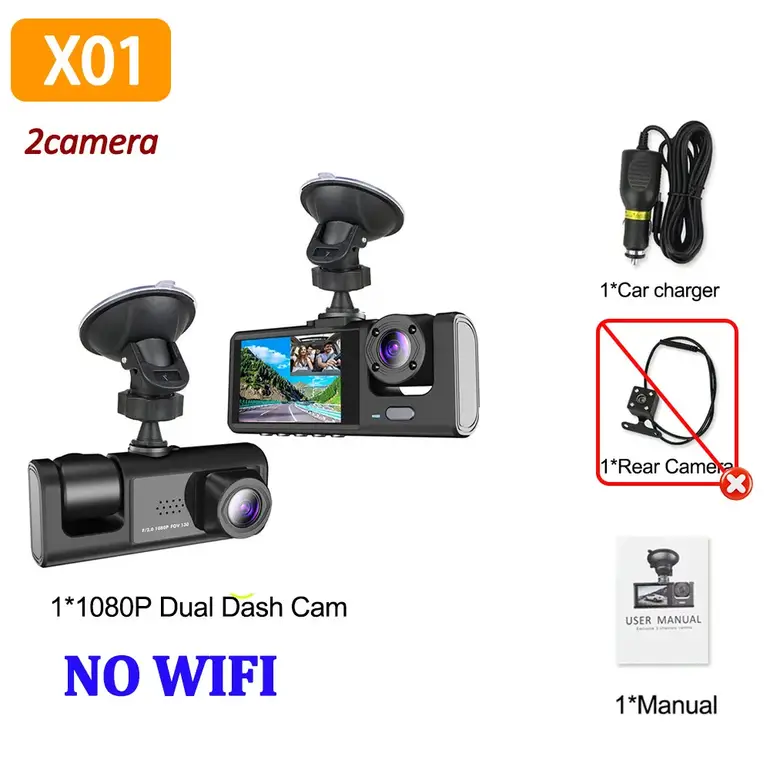

Warm tips:Warm Tip:This link offers two model options:⭐ Model X01: NO WIFI Internal lens rotates only within a small range. Available in 2-lens and 3-lens configurations. The 2-lens option does not include a rear camera.⭐ Popular Model X170: With WIF more information
+
Earn loyalty points with this purchase
RewardsWarm tips:
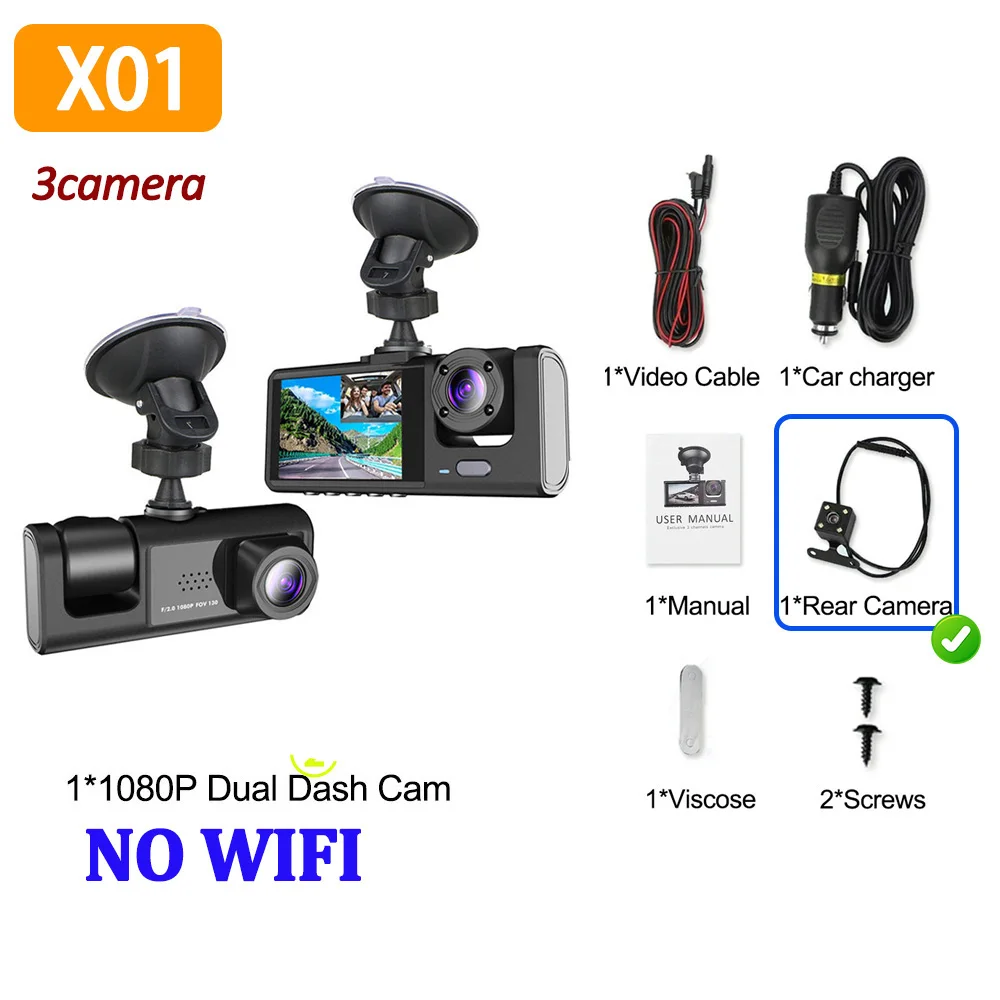
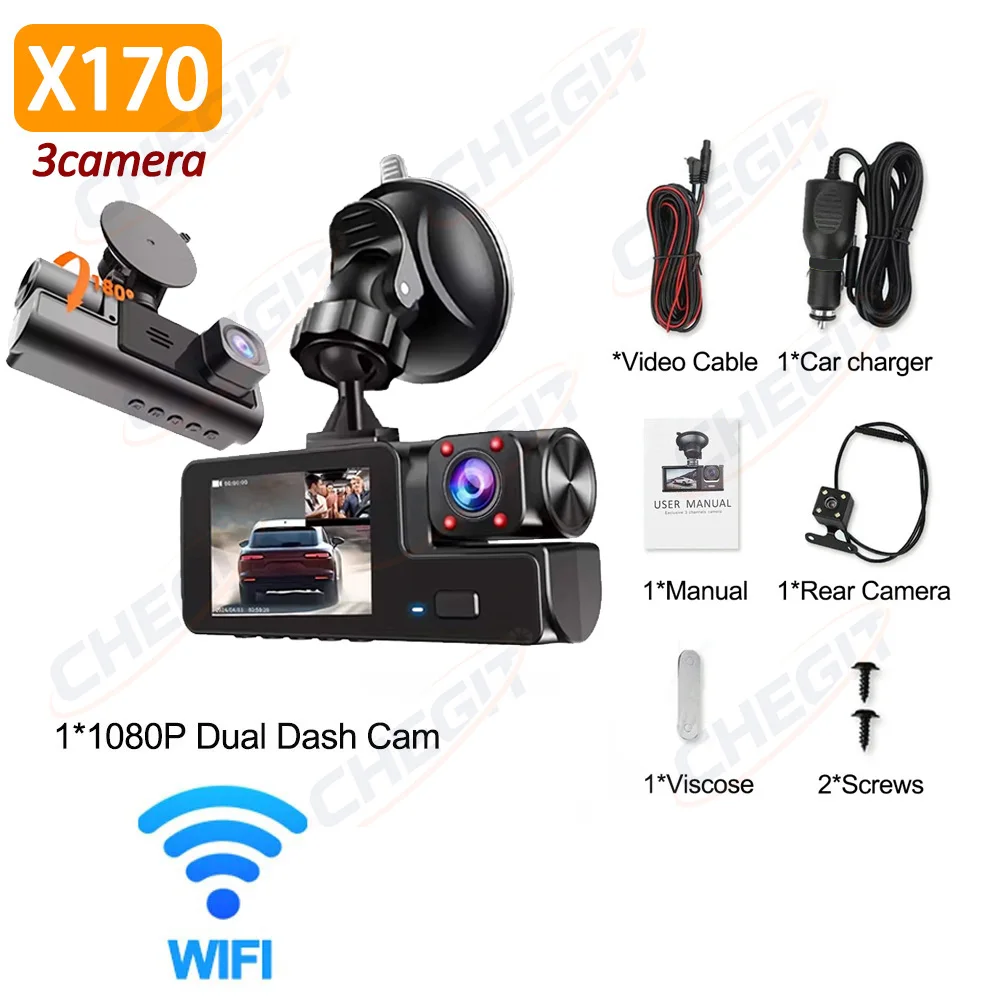
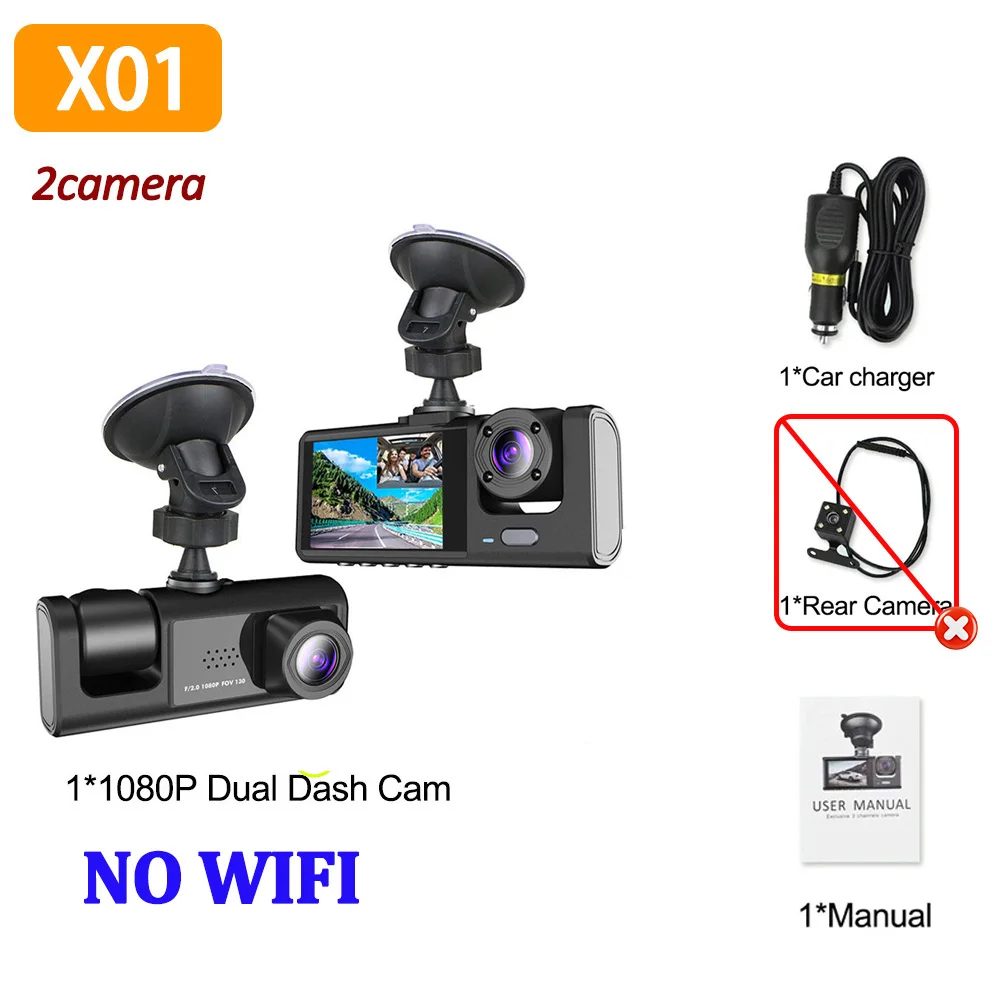
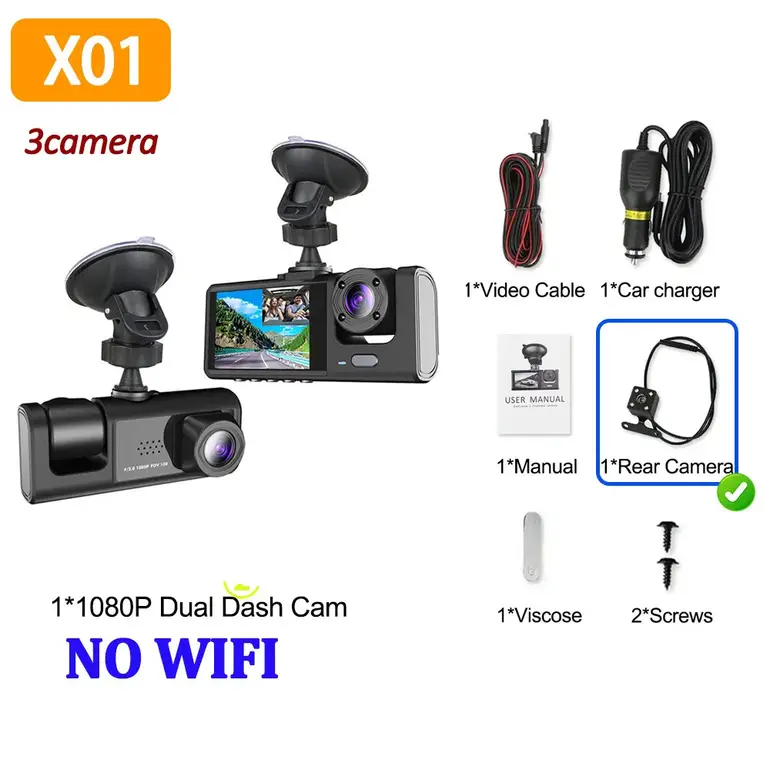
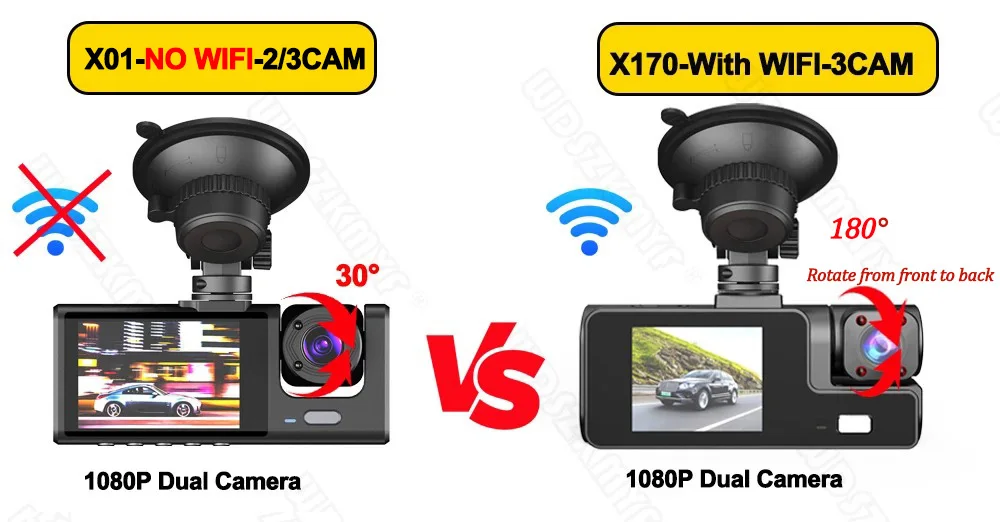
Warm Tip:This link offers two model options:
⭐ Model X01: NO WIFI Internal lens rotates only within a small range. Available in 2-lens and 3-lens configurations. The 2-lens option does not include a rear camera.
⭐ Popular Model X170: With WIFI,Features a wide internal lens rotation range and includes a rear camera in the package.
1080P WIFI 2/3LENS Dash Cam
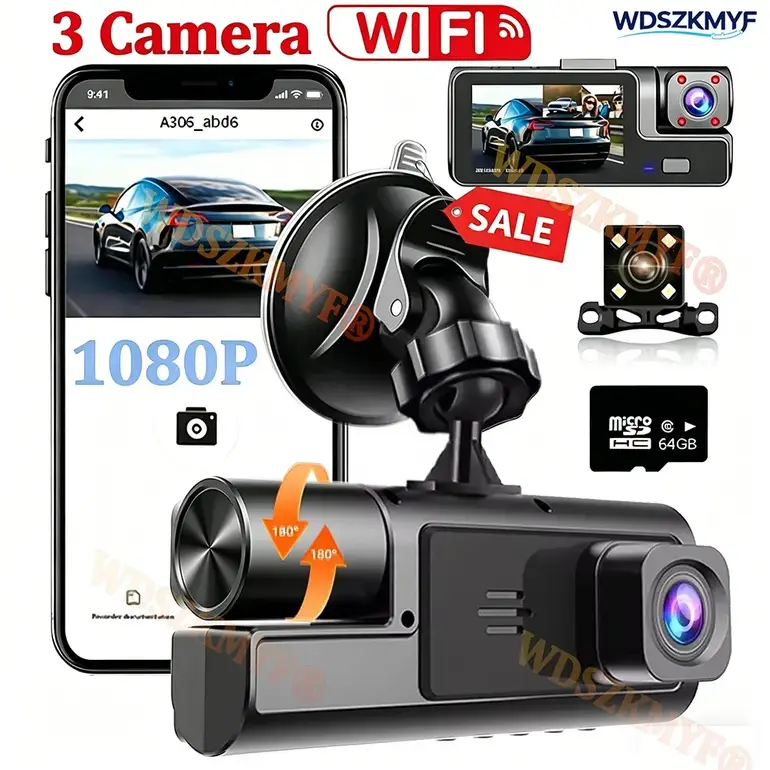
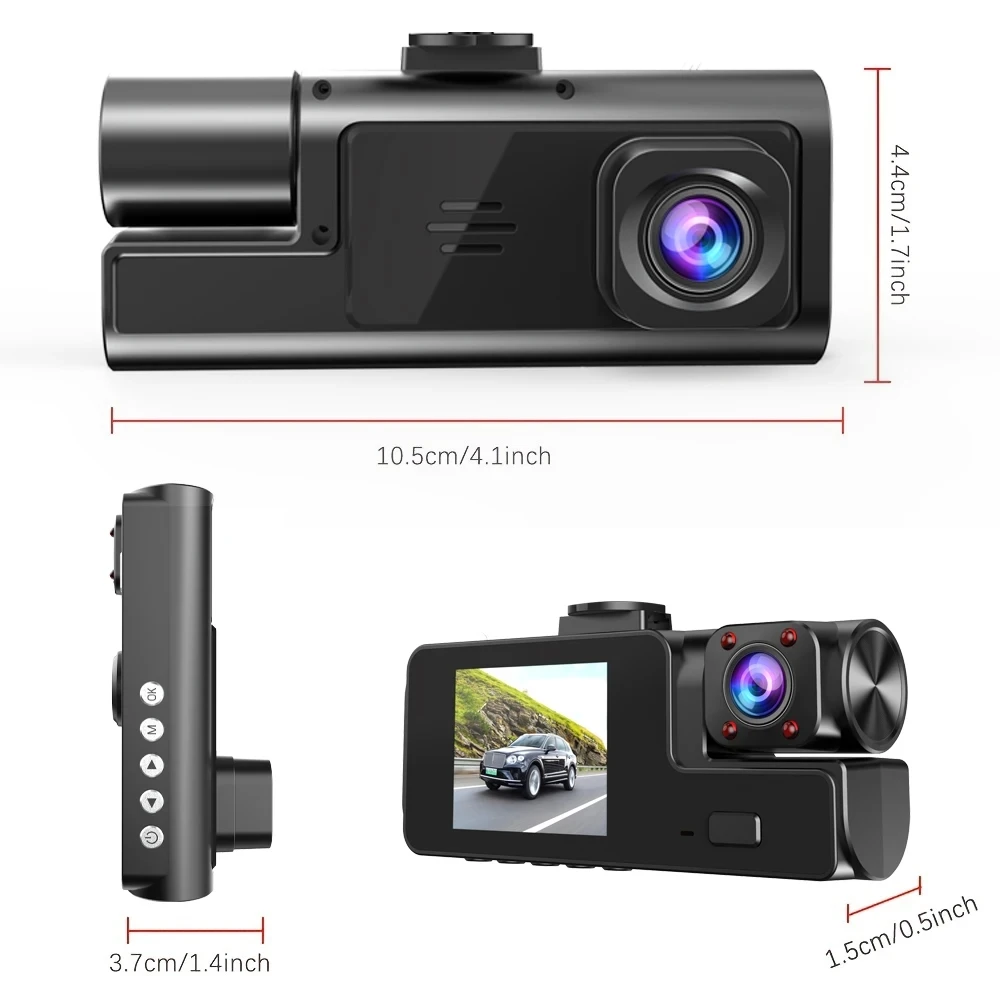
Dash Cam for Cars 1080P Car Dvr 3Lens Front Inside Camera WIFI Recorder Video Camera for Vehicle Car Accsesories Black Box
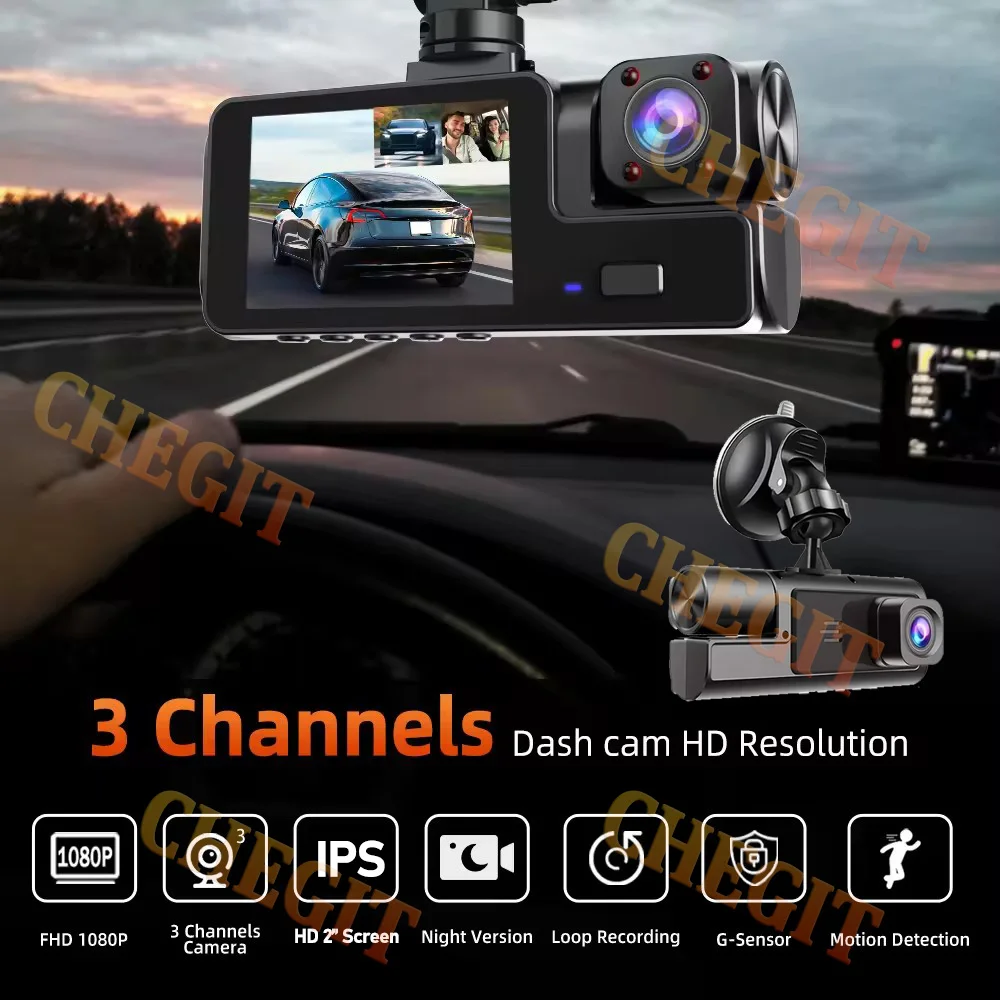
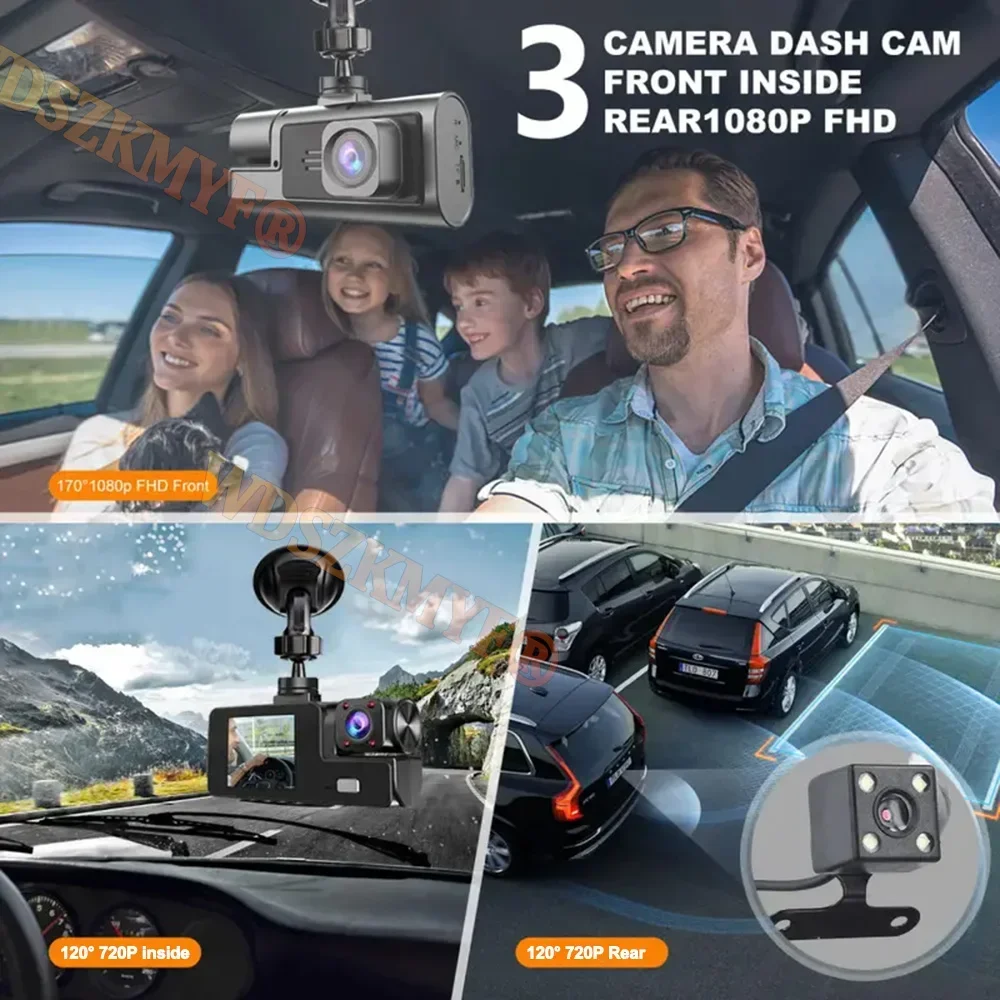
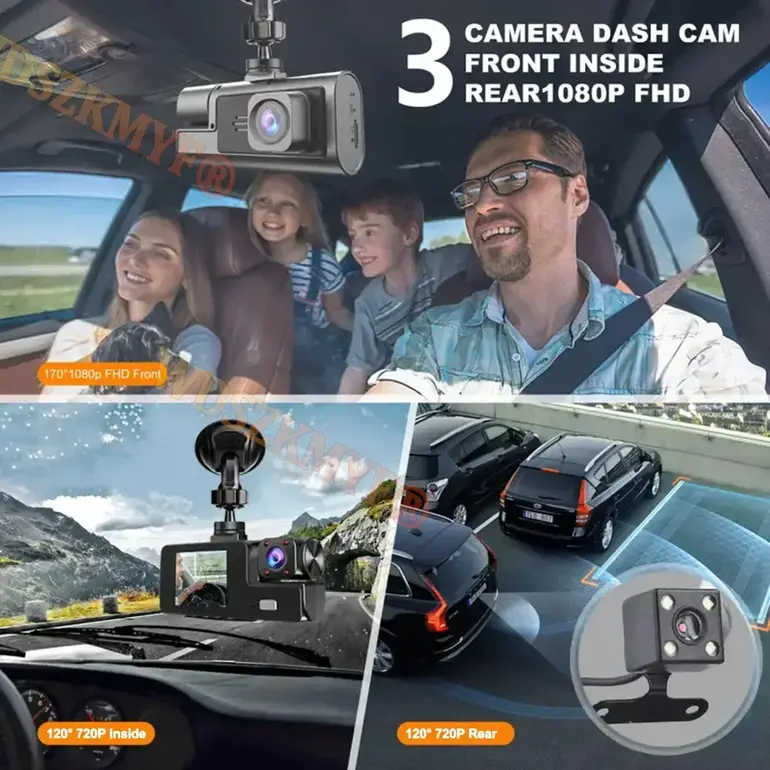
3CHANNEL RECORDING
Only Front Camera: 1080P
Front + Rear Camera:1080P+1080P;Front & Inside Camera:1080P+720P;
Front & Inside & Rear Camera:1080P+720P+720P
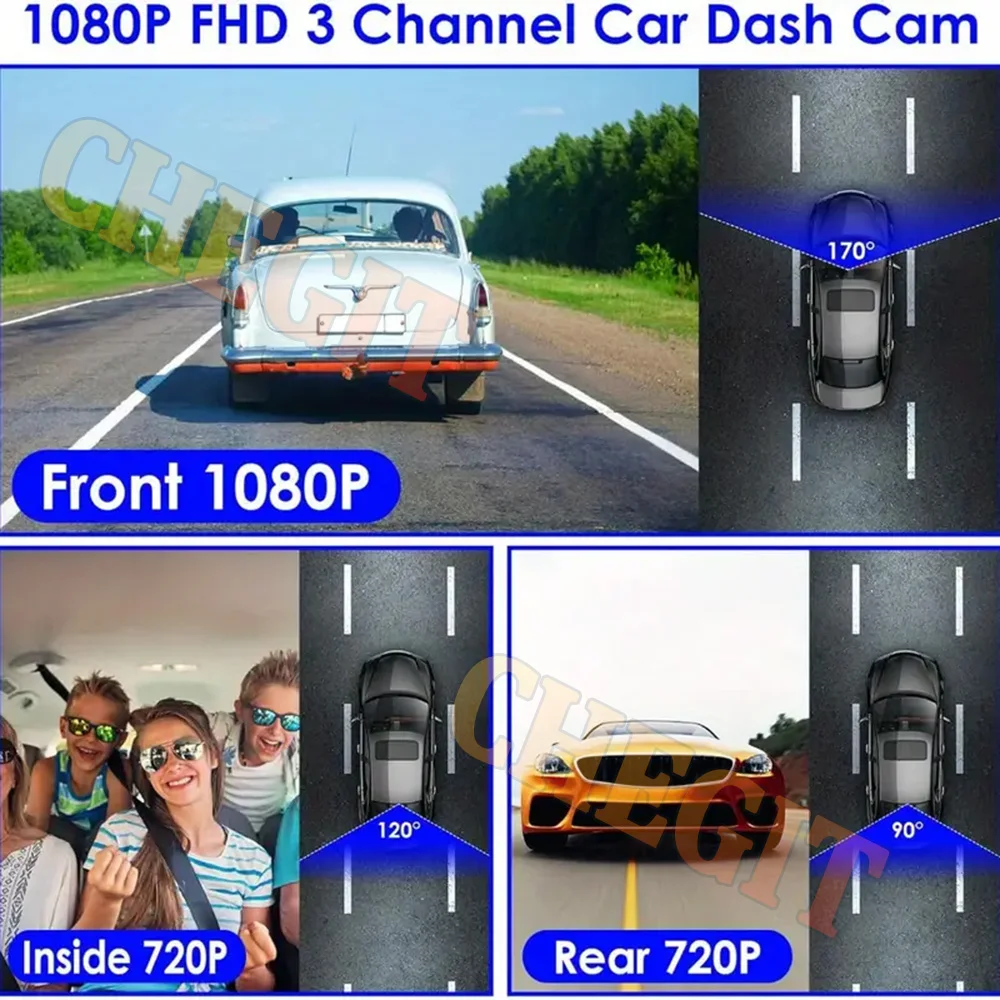
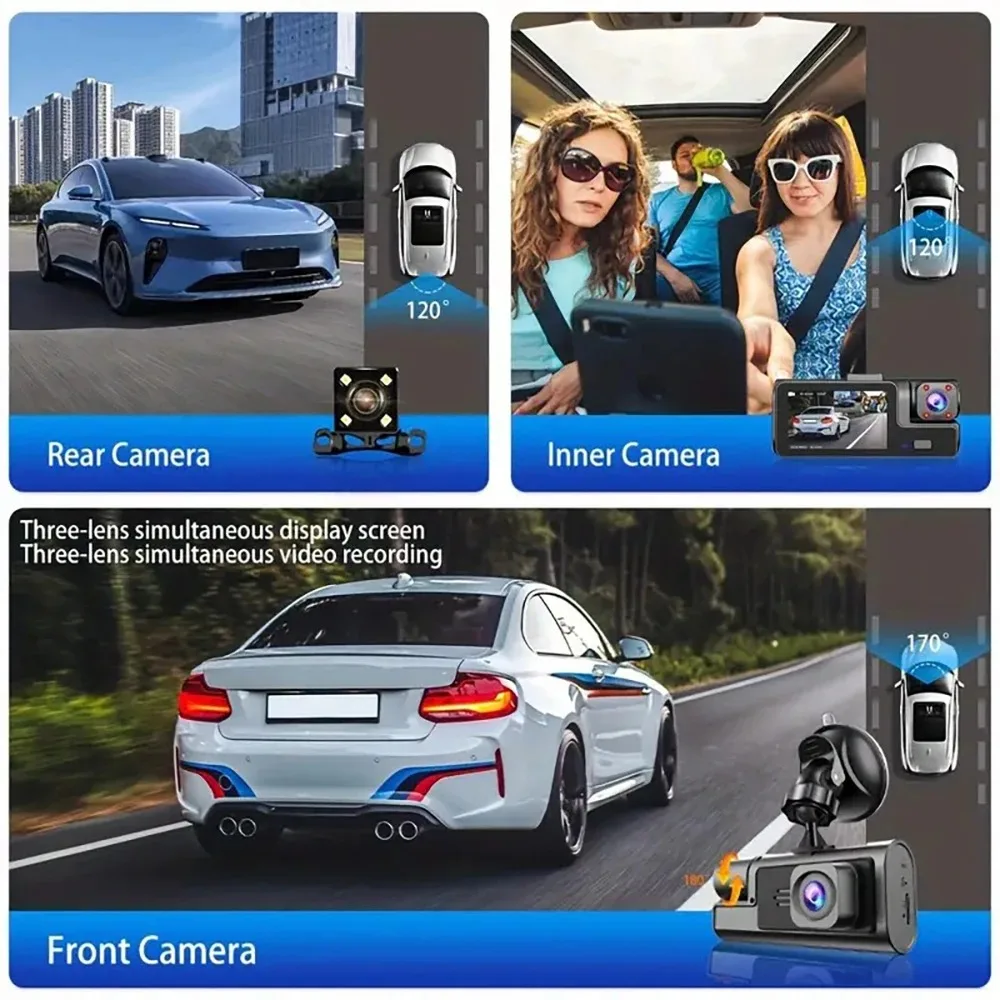
Warm tips: 3 cameras recording at the same time are 720P
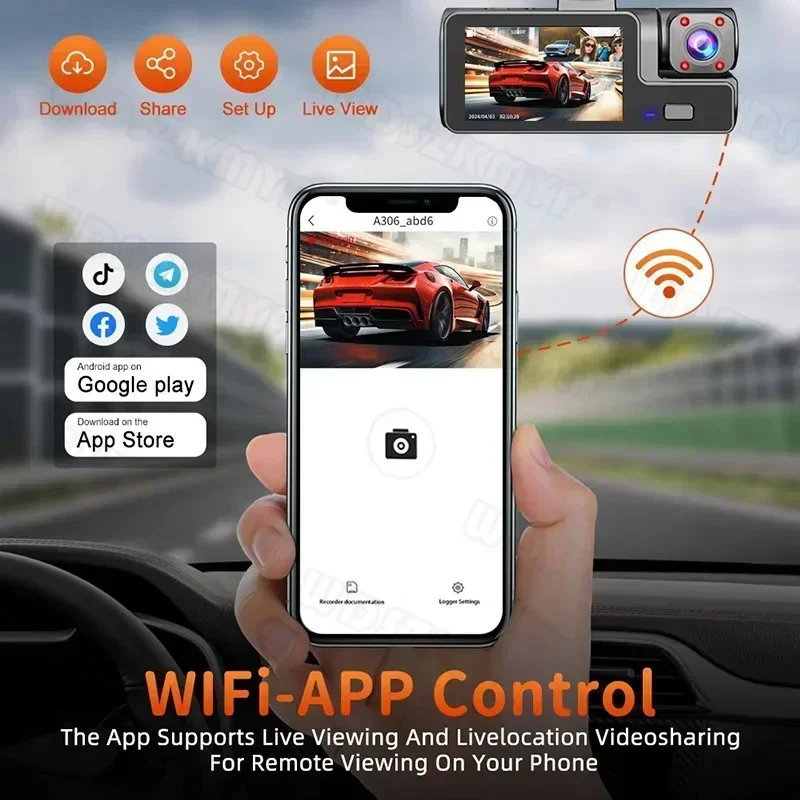
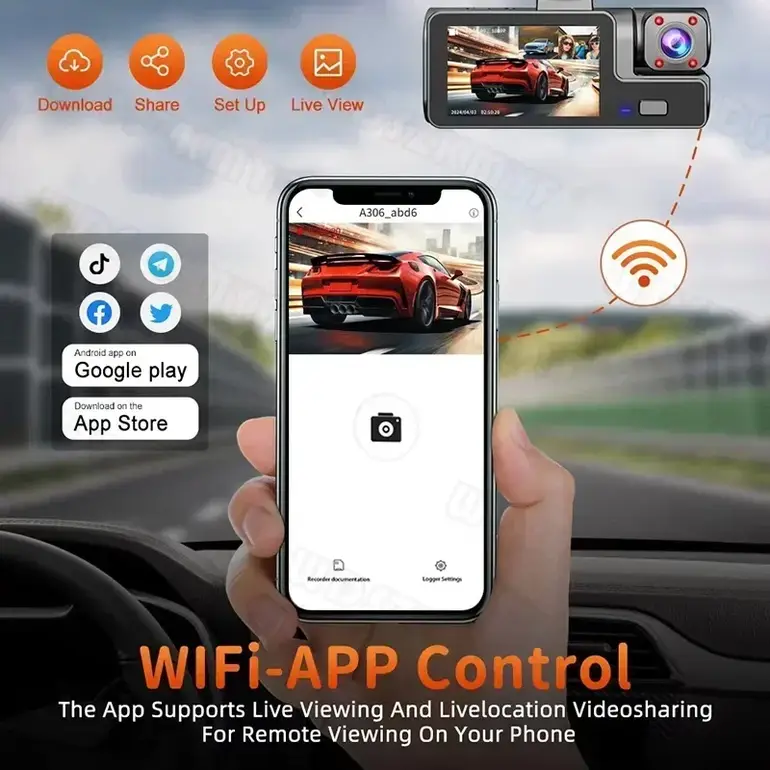
Mobile App Connection(Optional)
With the built-in Wi-Fi, you can view and download the recorded videos to your phone via the application.
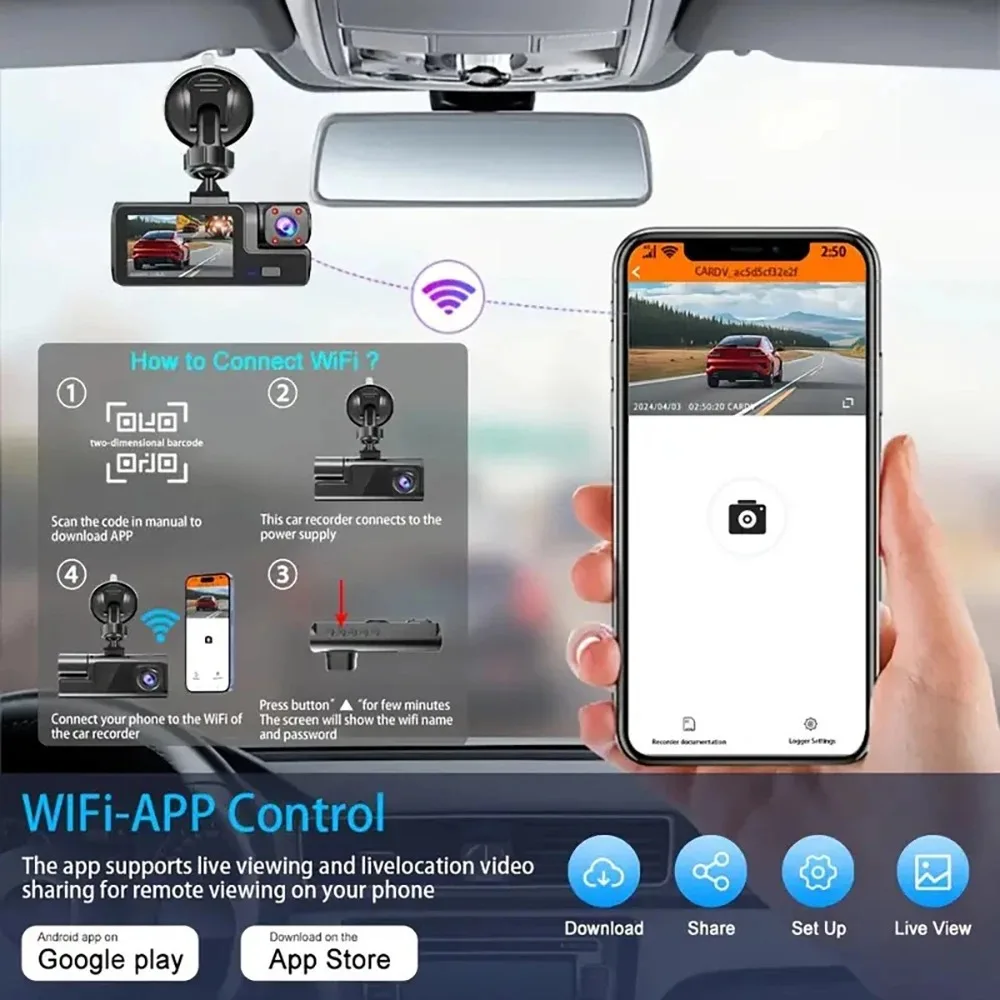
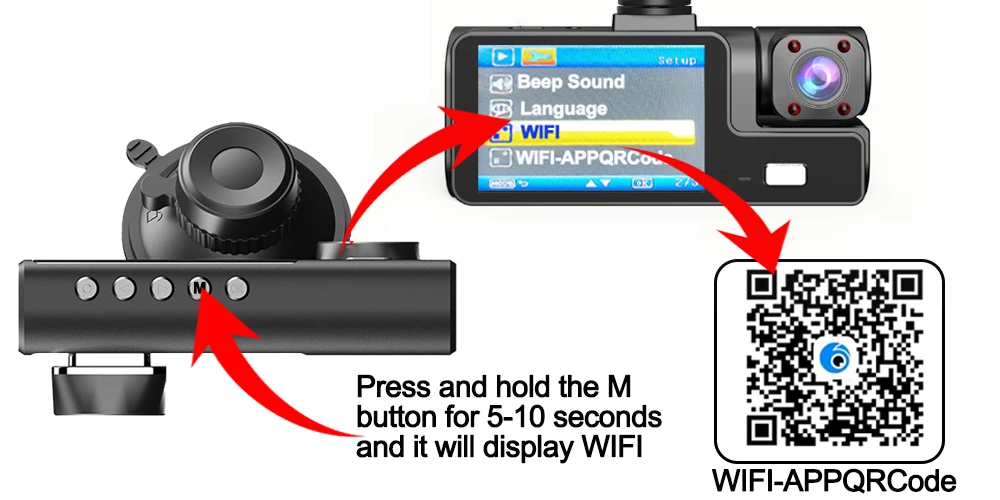
How to Link WIFI
You need to press the M menu button for 5-10 seconds and then it will show the WIFI module, the WIFI QR code is also in the menu bar, and you can eventually link your phone to view the video.
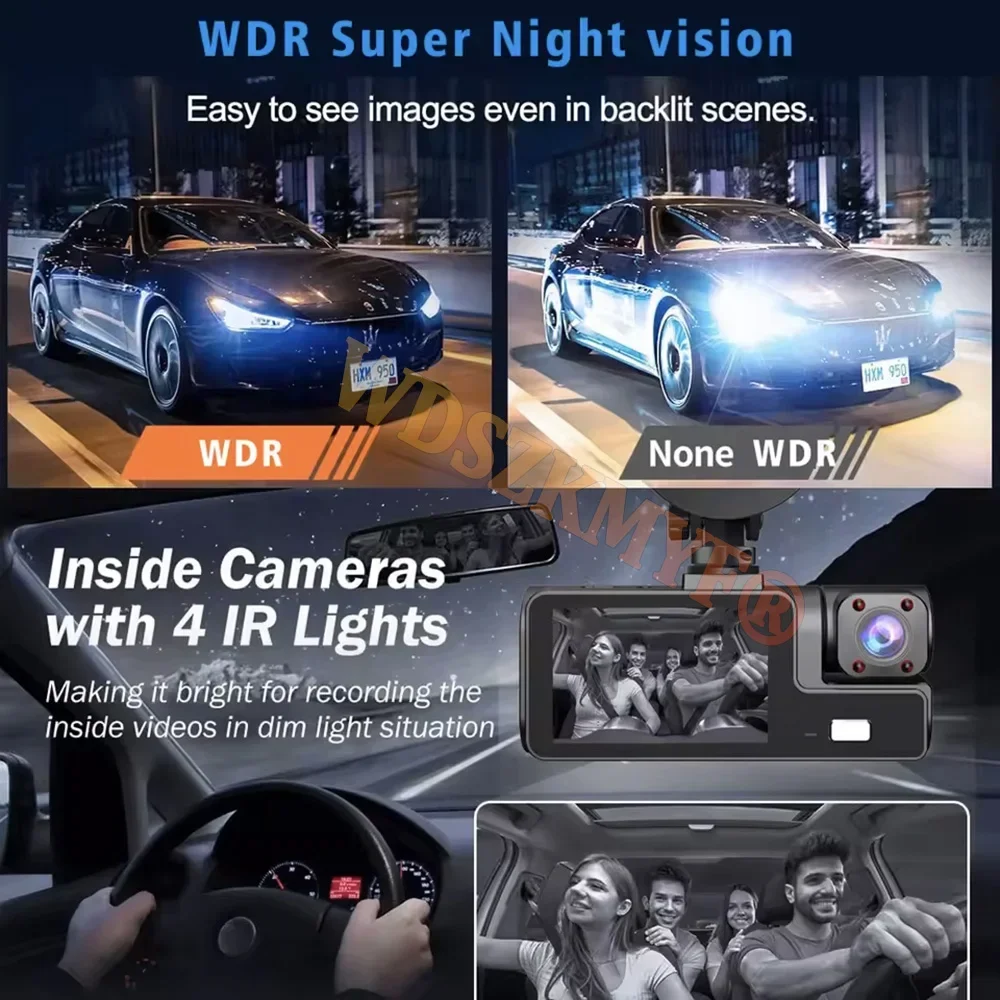
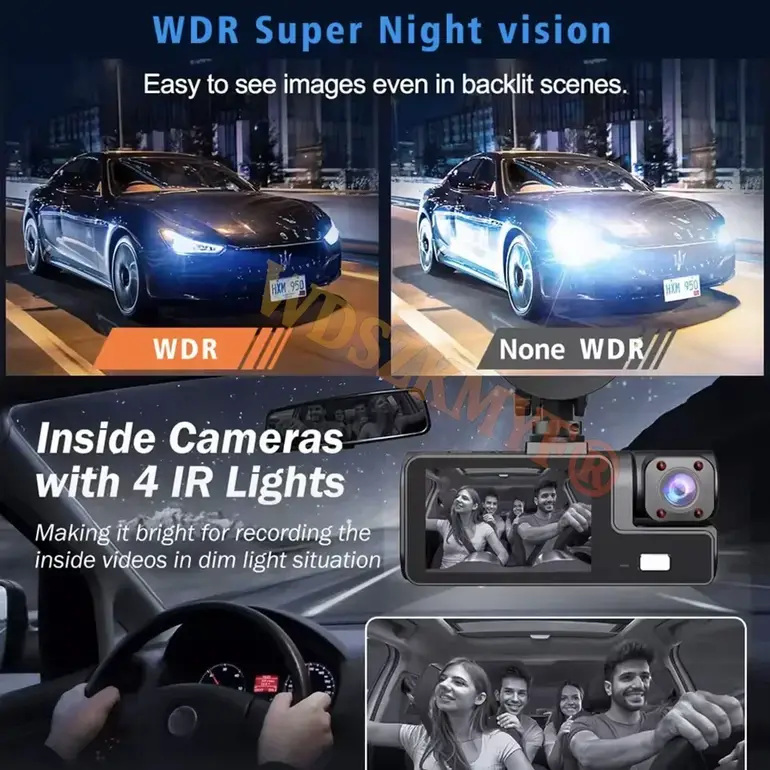
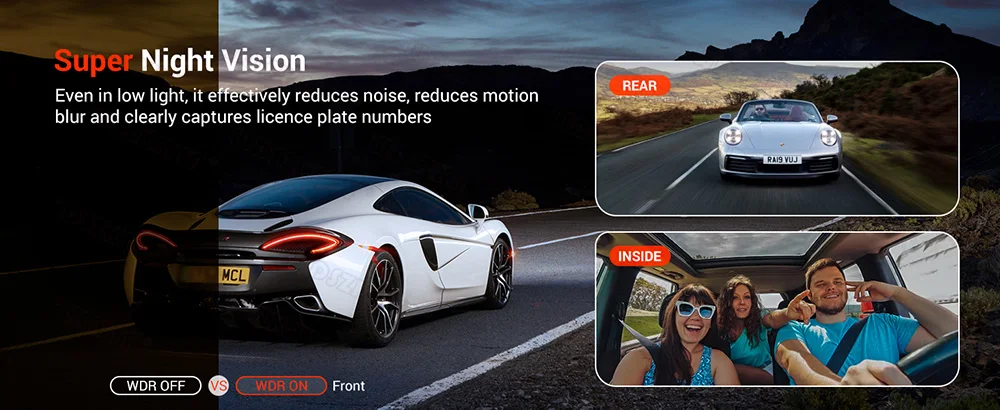
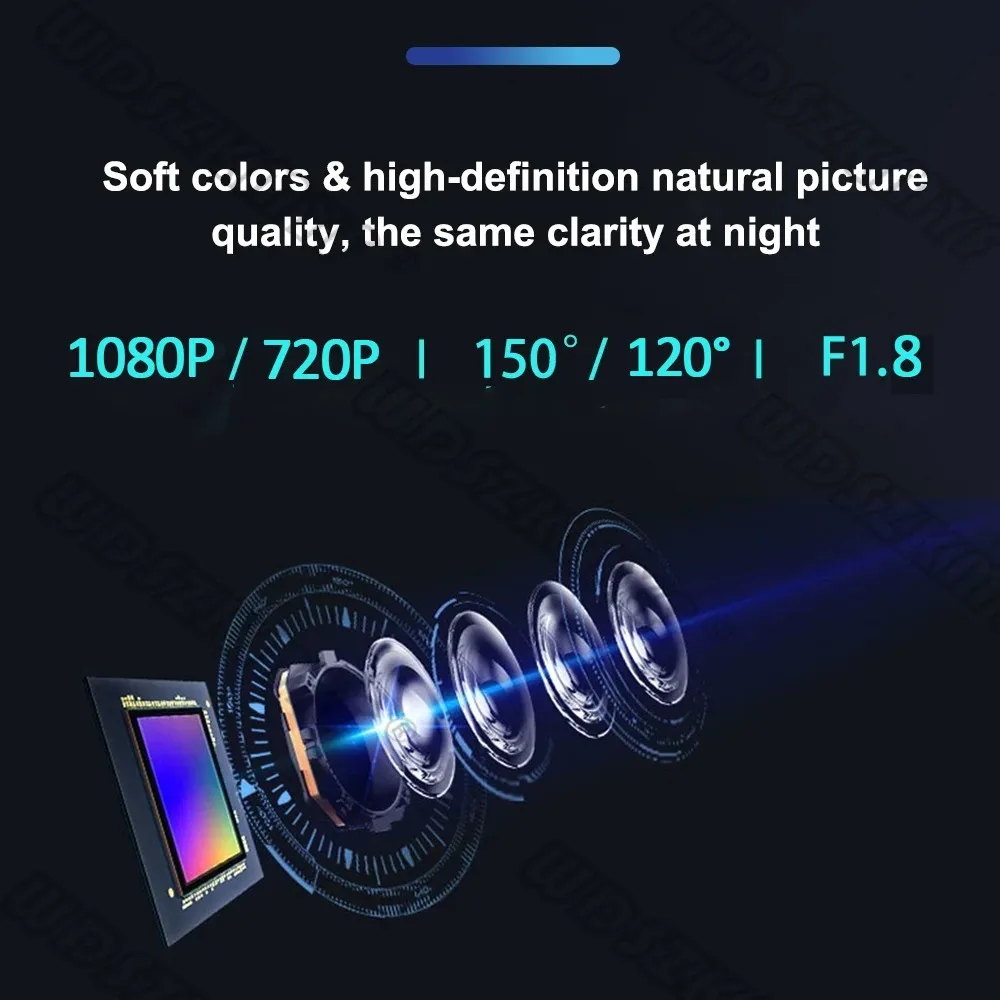
Powerful night vision shooting
1080P full-HD spherical glass lenses F2.0 aperture
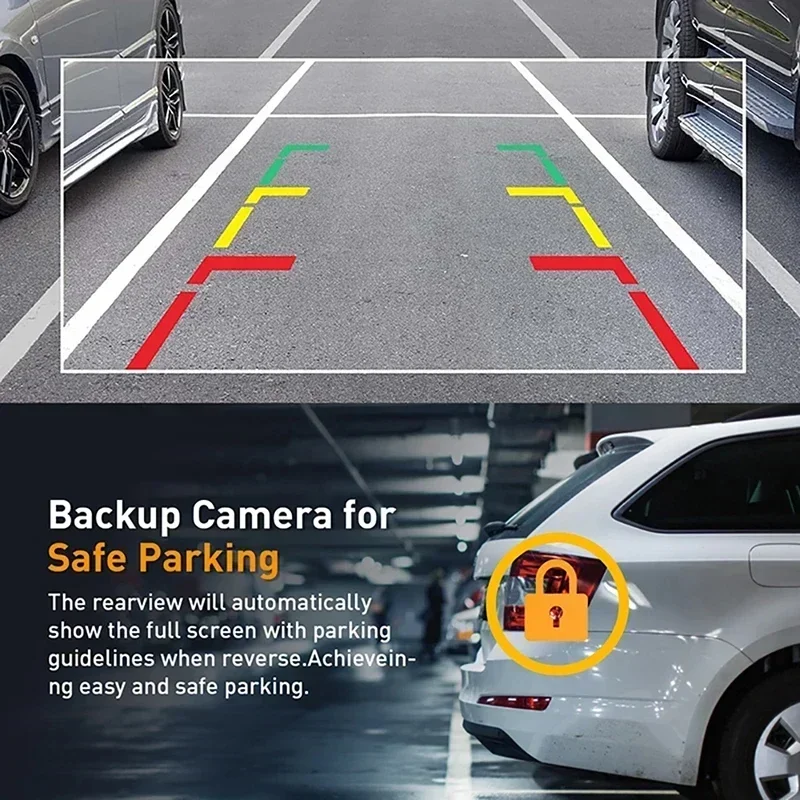
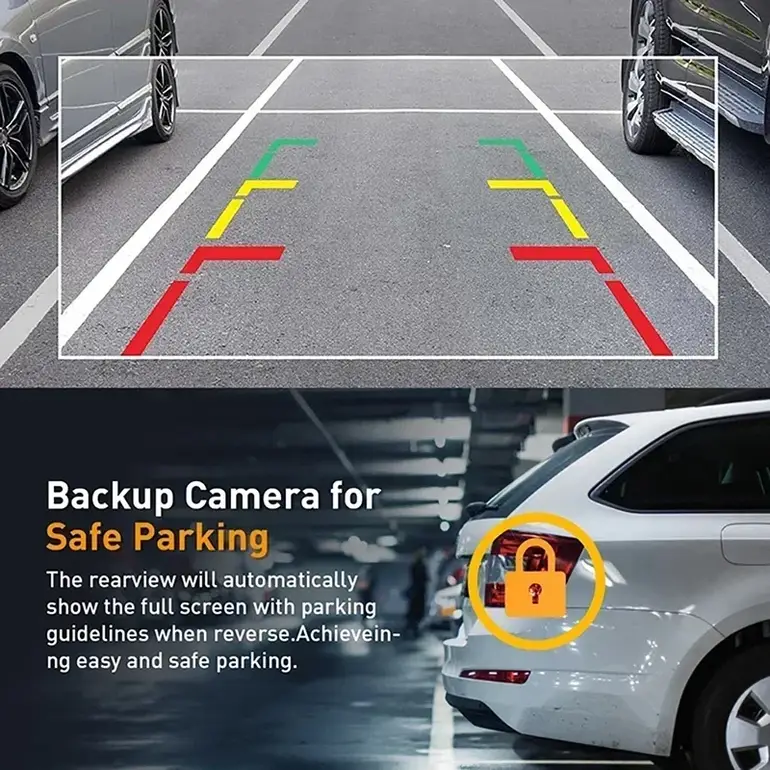
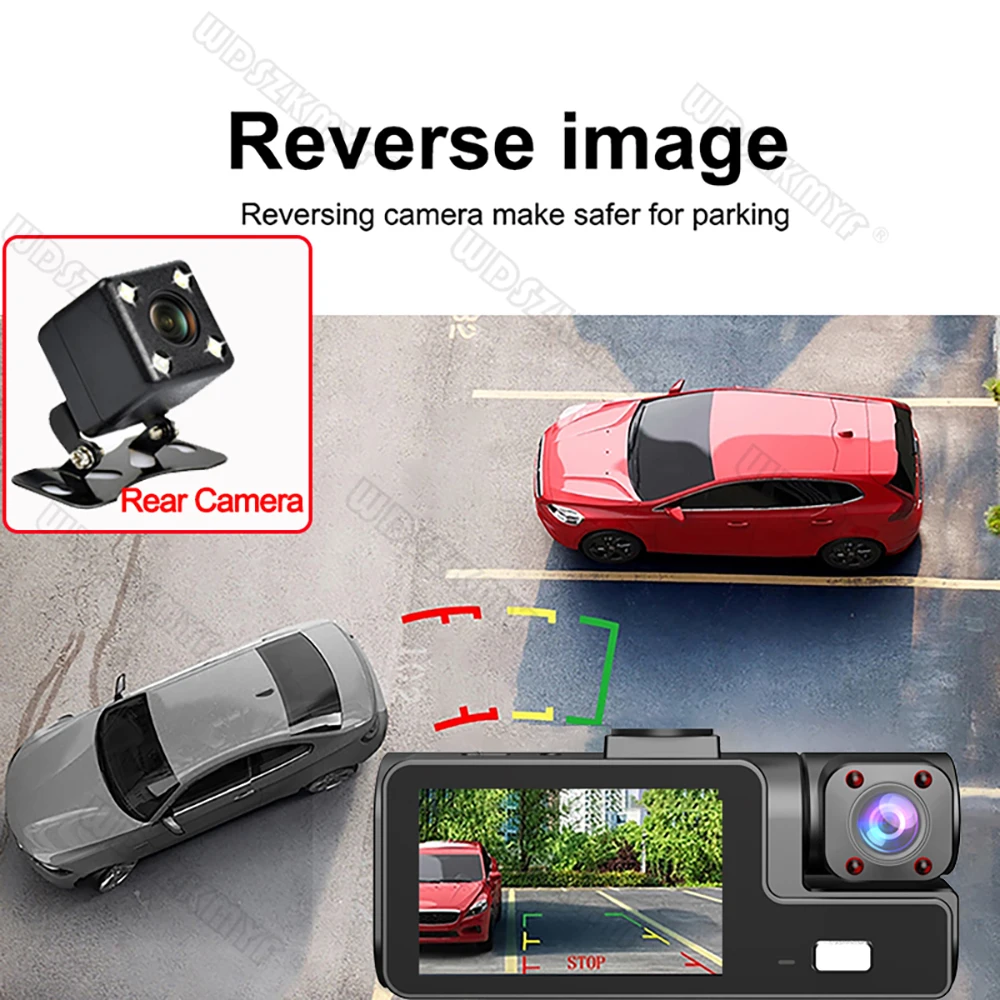
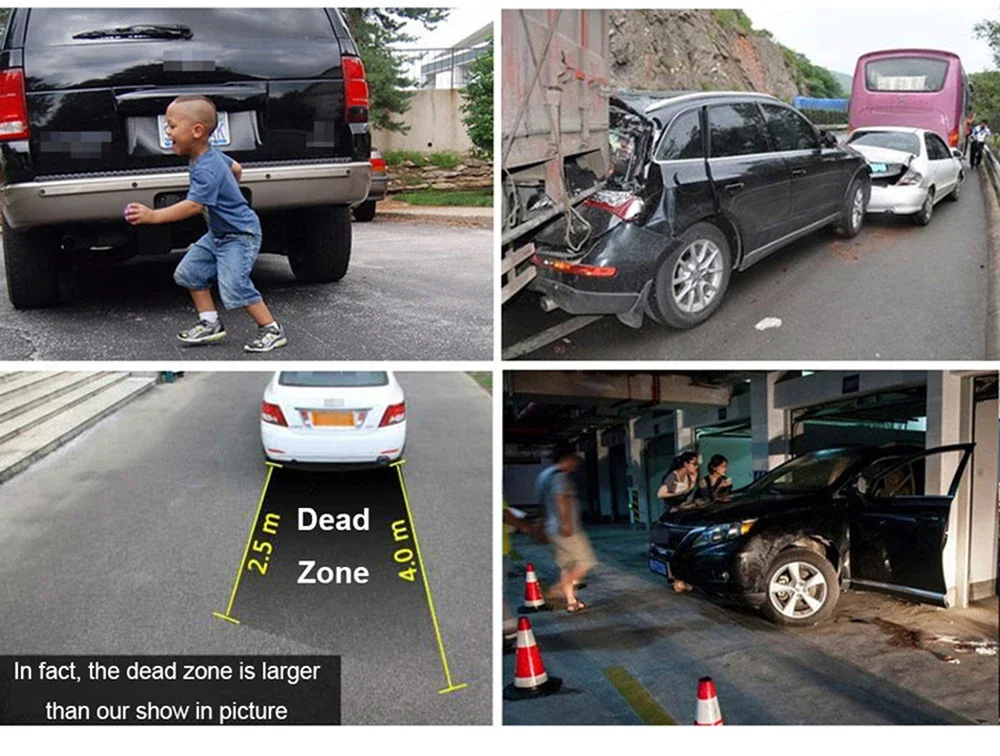
Reversing Camera Function(Optional)
When hanging in the "R" gear, the screen will automatically switch Reverse image, and the accurate inverted auxiliary line provides you with better parking prediction.
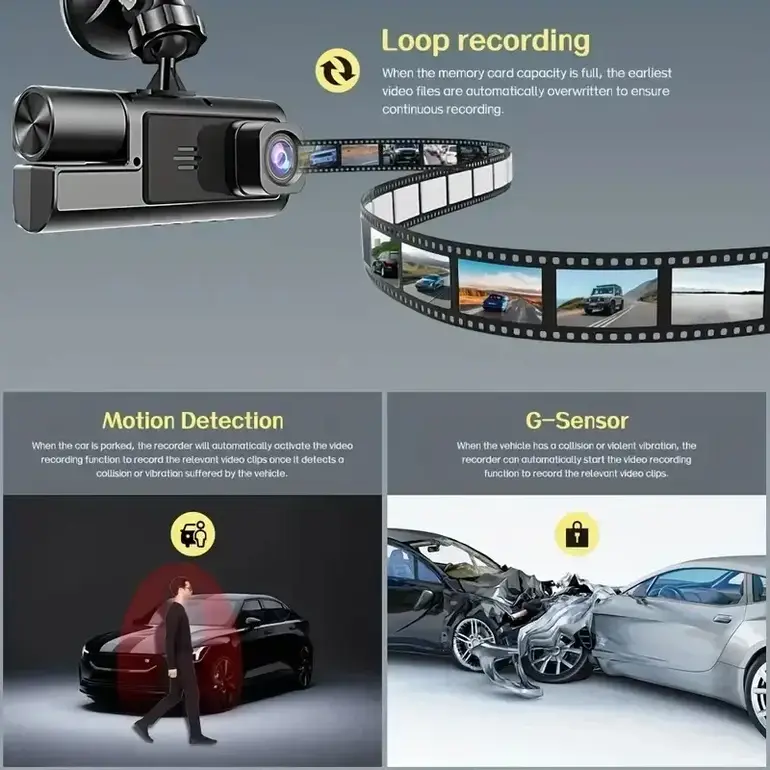
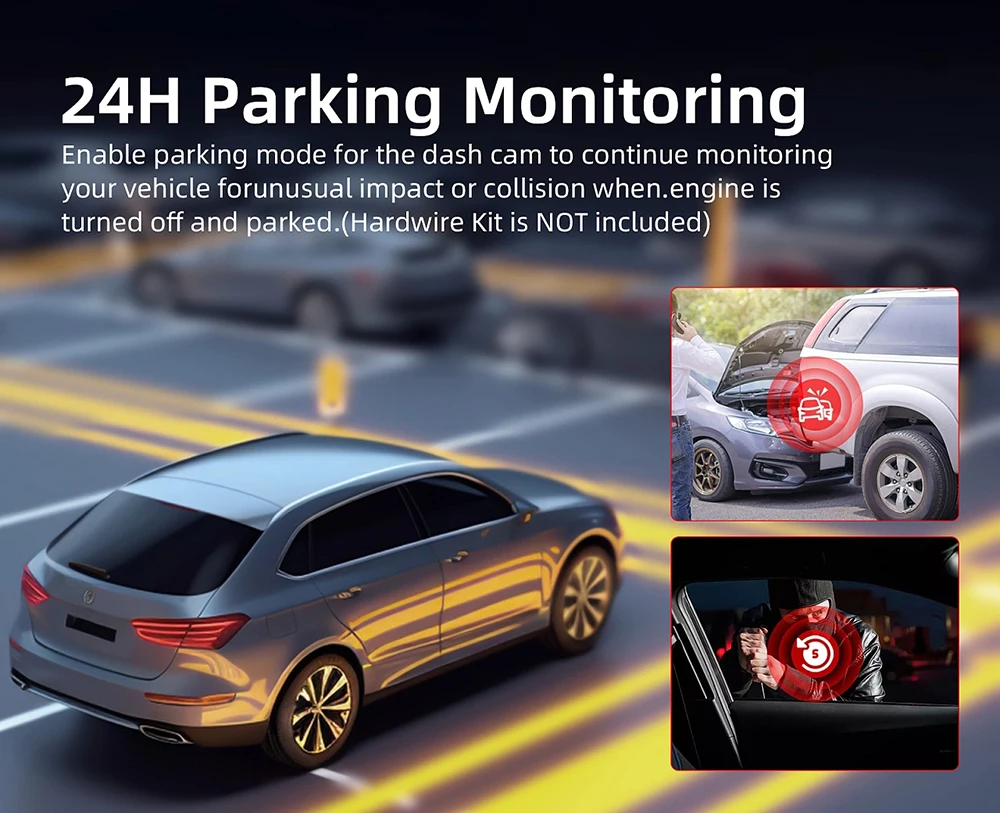
24H parking monitoring.
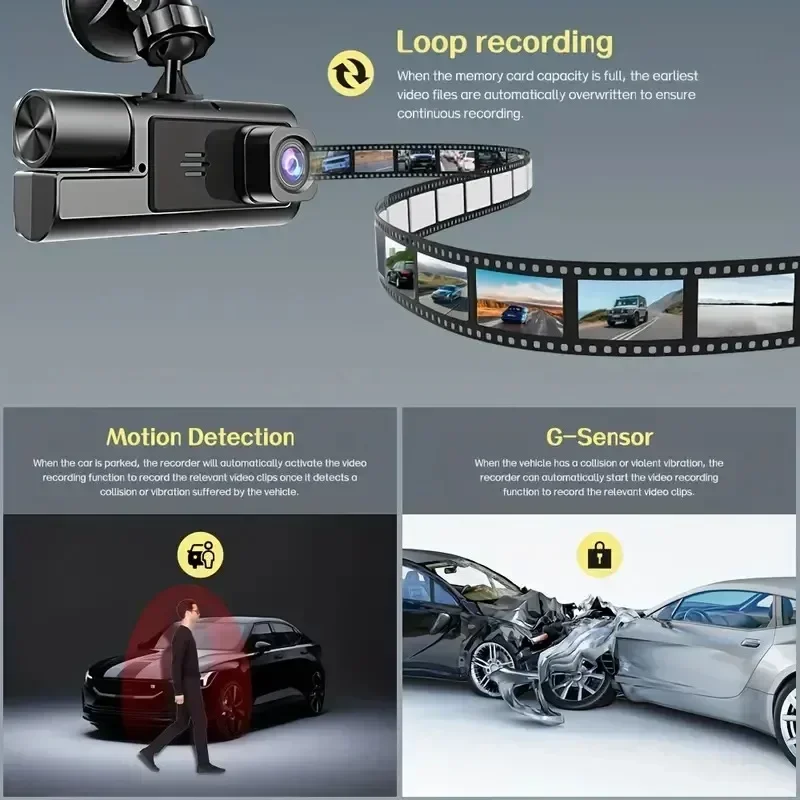
Start the intelligent parking detection mode after the engine is off, support the three recording lens motion detection, abnormal collision automatic recording, one second one frame time lapse recording.
(Friendly reminder: parking monitoring needs to be configured with a special buck cable for use, otherwise 24-hour monitoring is not possible)
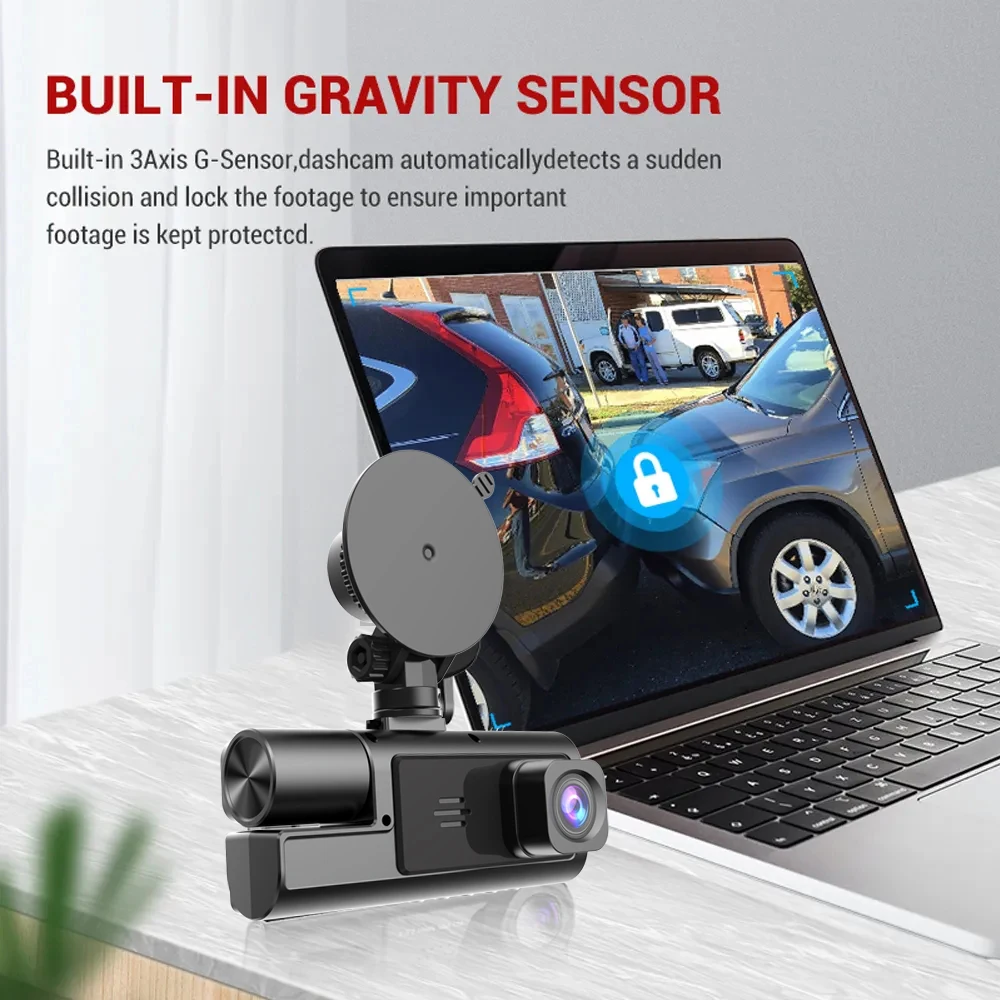
Built-in G-Sensor
Built-in 3Axis G-Sensor,dash cam automatically detects a sudden collision and lock the footage to ensure important footage is kept Protection.
Loop- Cycle Recording
When the TF card is full,it will automatically delete former video and keep recording all the time

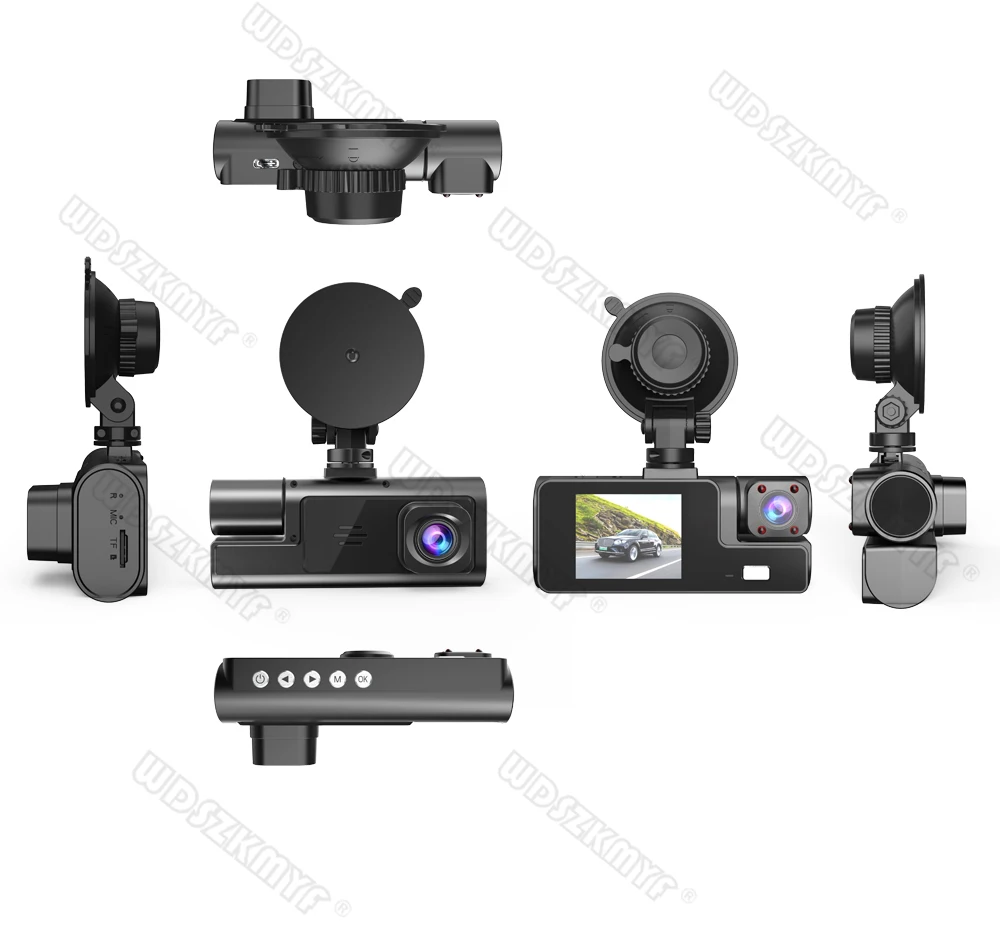
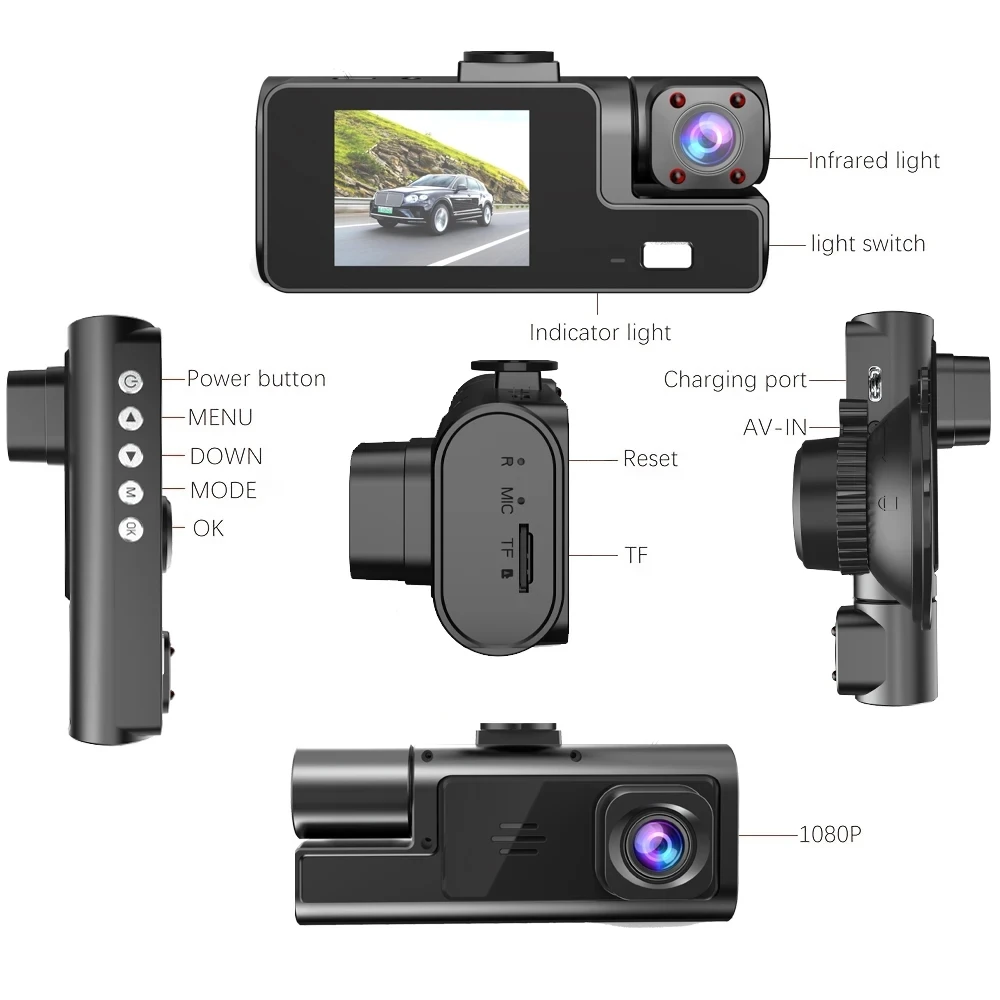
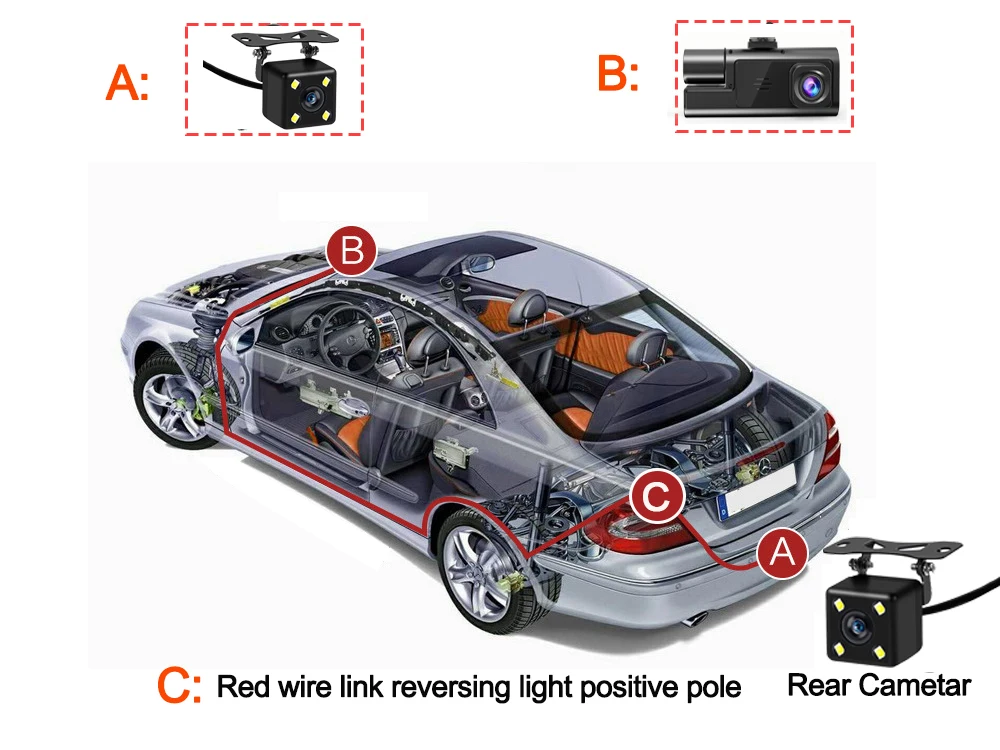
Installation Image
A:Rear camera
B:Car recorder
C:You need to link the red wire of the rear camera to the positive pole of the reversing light in order to realize the reversing image
(Installation Note:
Do not connect the cell phone data line for charging, the voltage does not meet the car electrical appliances, the wrong power supply can not be used properly.)
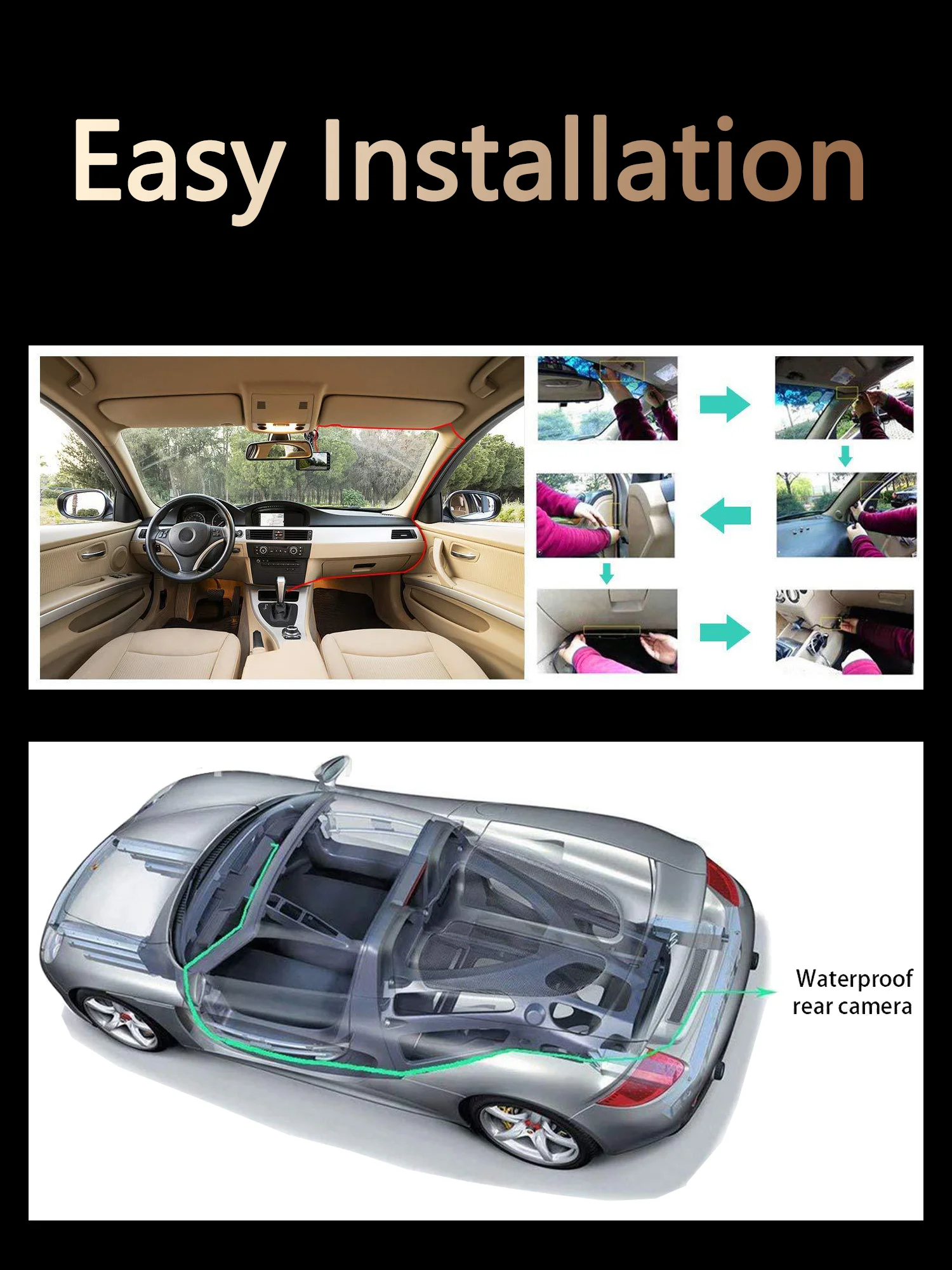
To protect your privacy, the TF card needs to be formatted for the first time. There are two solutions:
1. Insert the TF card correctly into the dash cam, open the camera settings, find the storage card format, confirm that the formatting is complete, and then restart the camera to use.
2.Connect to the mobile application, search for settings in the mobile application, format the memory card, confirm formatting is complete, and then restart the camera to use it. Sincere wishes to you and your family.